
The User Profile Menu component Profile Picture(if not available then concatenation of the first alphabet of the First & Last Name). It also displays a dropdown from which users can reach Home Screen, User's name (or nickname), Logout, Option for Change Password and Release Version Details.
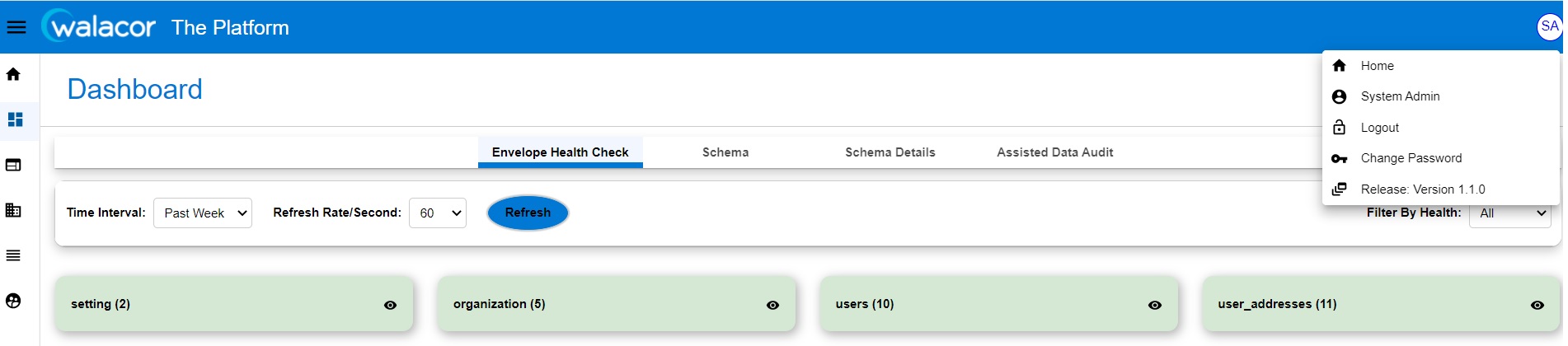
Figure 3.5.1.
Home
Given: Access to “The Platform” application
When: User Click on Home button (In drop down) under the User Profile section.
Then: User is navigated to Home Screen
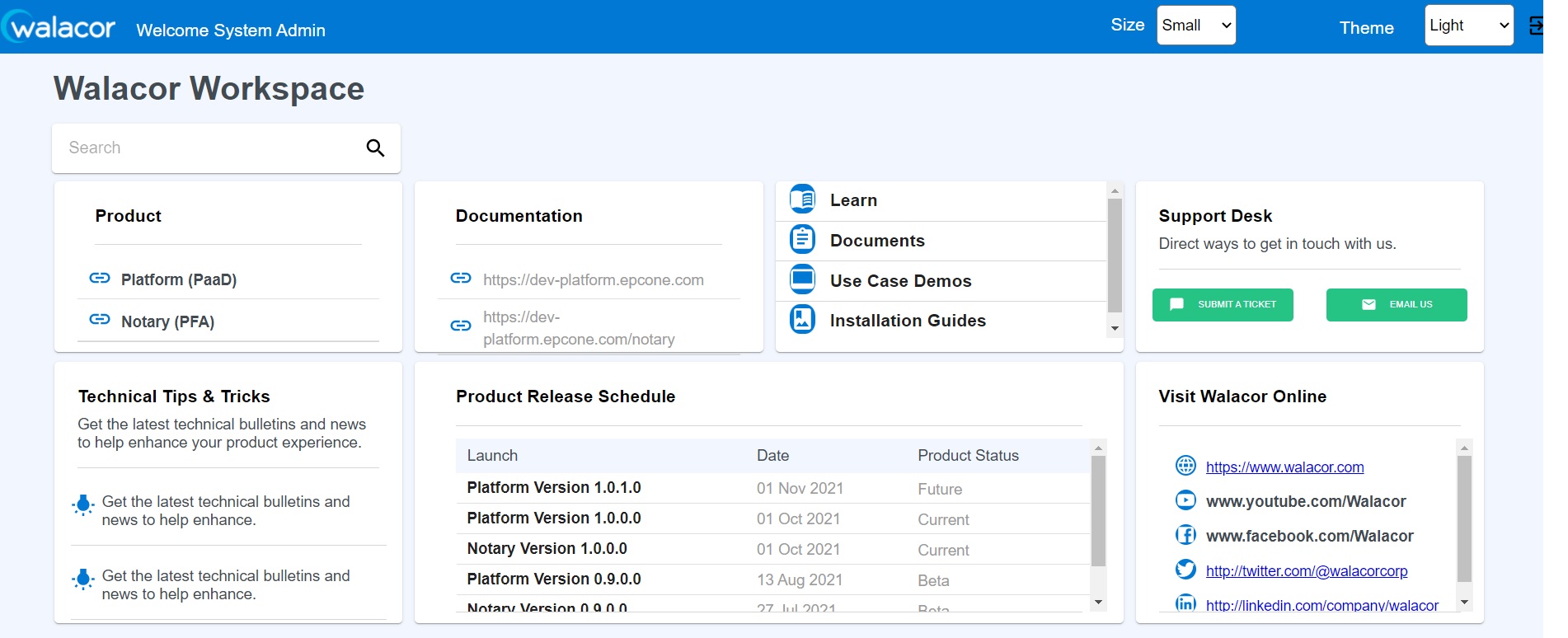
Figure 3.5.2.
Change Password
Given: Access to “The Platform” application
When: User wants to change his password.
Then: As a User, he/she will be able to save the Password and able to login with newly saved password.
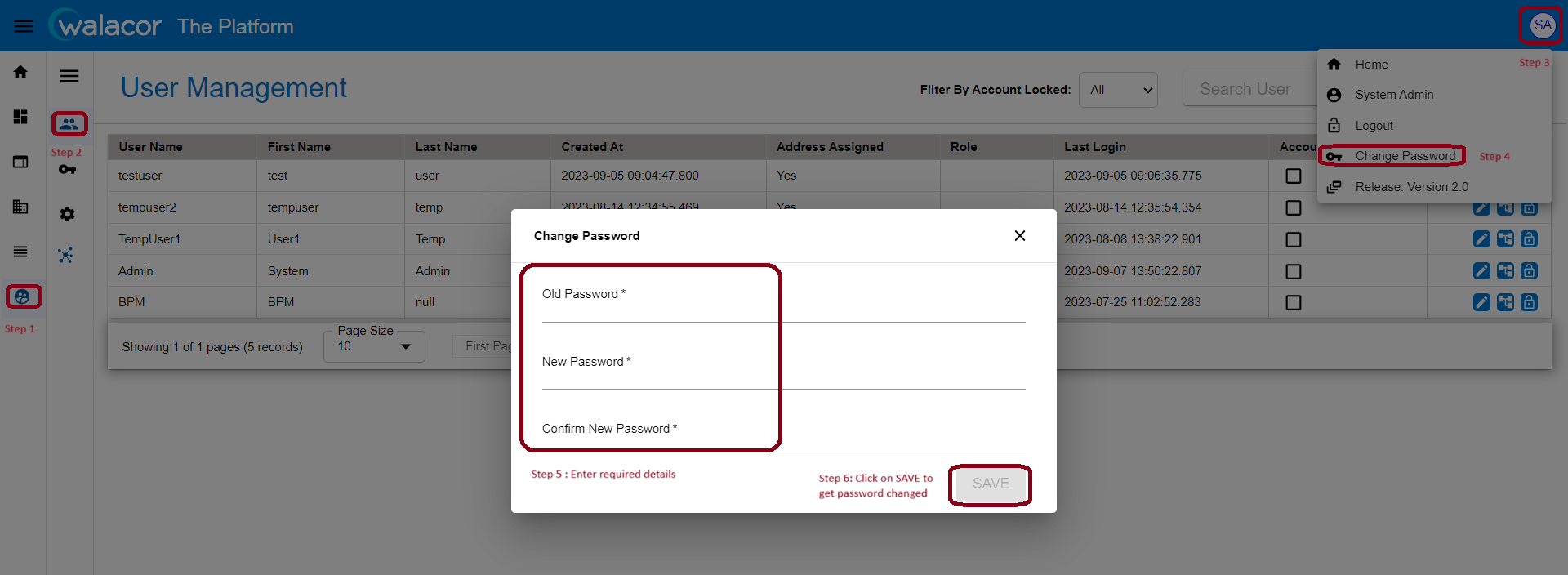
Figure 3.5.3.
Logout
Given: Access to “The Platform” application
When: User wants to Logout from the Application.
Then: As a User, he/she will be able to land on the login screen.
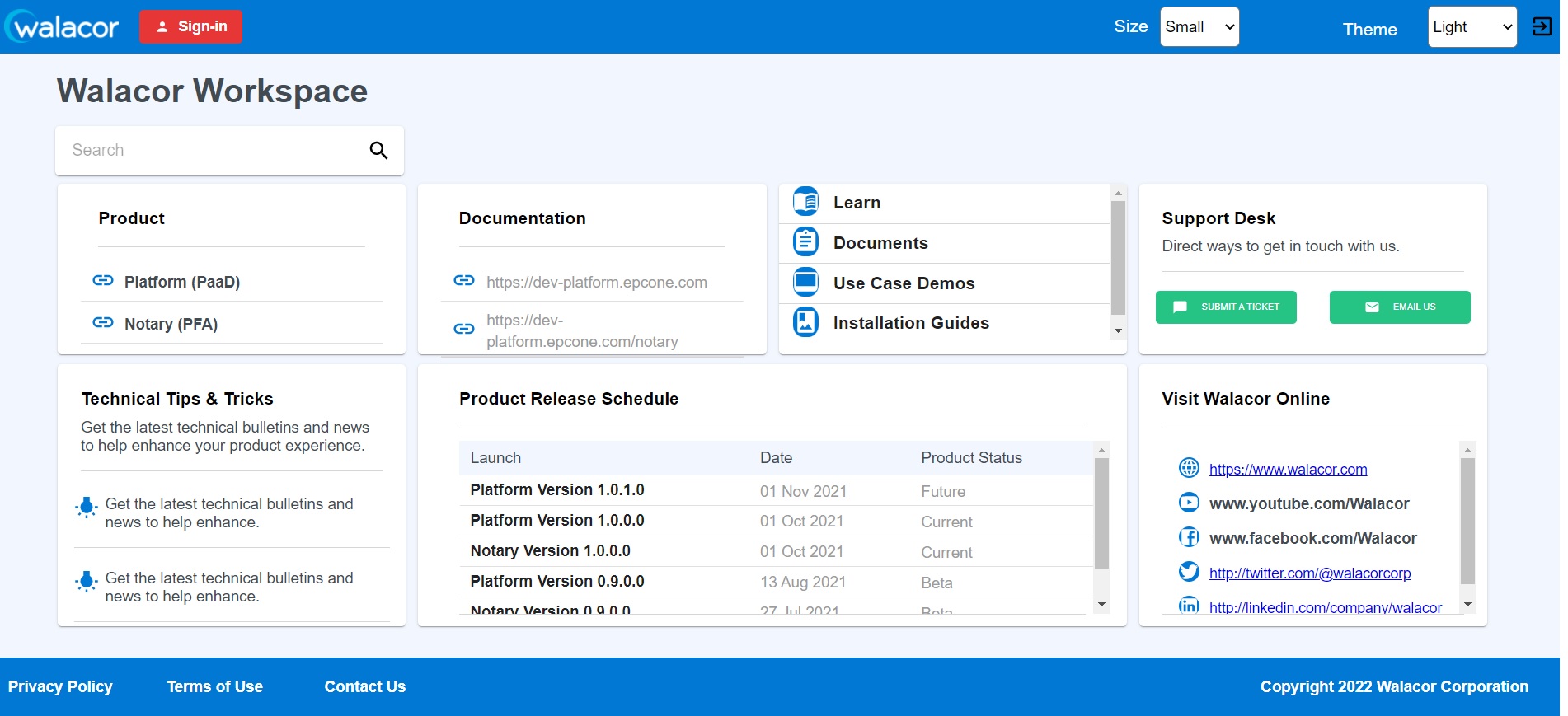
Figure 3.5.4.
The functionality on User's name (or nickname) and Release Version Details is in progress. Clicking on these buttons no action is being taken as of now.